1
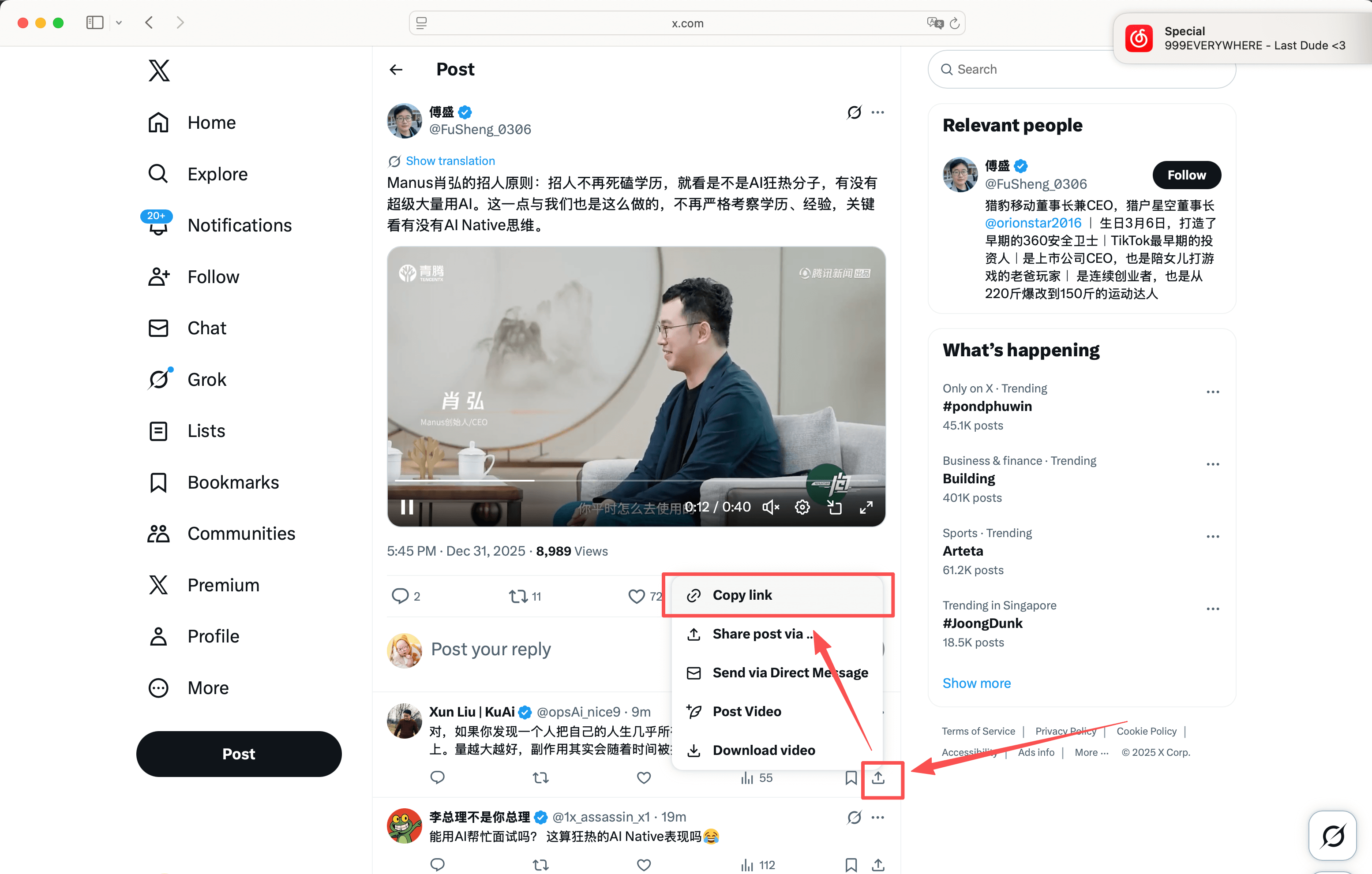
Step 1
Copy the post link that contains the video.
Option 1
Paste a public X/Twitter post link to check available video files in your browser. Profile pages, private posts, deleted posts, or restricted media may not load.
Paste a public link, choose a format, then save it locally.
Private, expired, or region-limited posts may not be available.
Paste a public link, choose a format, then save it locally.
By using our service you accept our Terms of Service and Privacy Policy
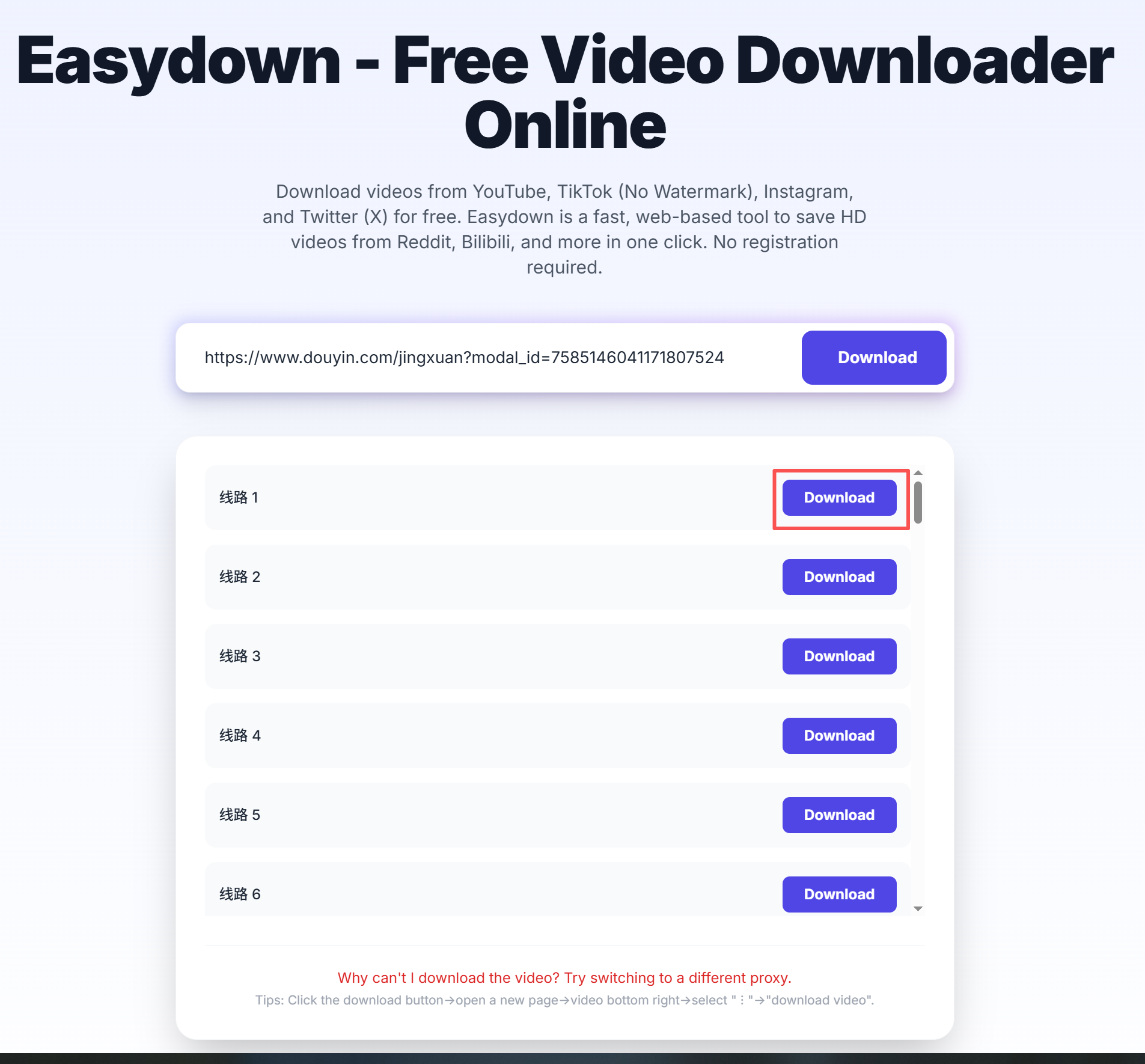
A simple guide to download videos using Easydown
Step 1
Step 2

Step 3
The most common download tasks are grouped below so you can jump straight to the part that matches your situation.
This page is designed for public tweets that contain an actual video file. Paste the post URL, let the parser load the media, and then save the result directly from your browser.
You can use the same tweet link on mobile or desktop, so there is no separate device-specific workflow. If the browser opens the file first, use the browser save option to finish the download.
If a link points to a profile page, a deleted post, or a private post, the parser will not be able to load the video. Re-copy the exact post URL and confirm that the tweet still opens publicly.
Capability evidence
This section is generated from the same URL and response contract used by the web downloader, REST API, and MCP tool. It records observable behavior without publishing a creator name, post ID, screenshot, or temporary media URL.
Reviewed 24 August 2026A public URL pattern was entered in the browser flow. URL detection and the current response contract were checked; a complete media result can still depend on human verification, source availability, region, and an unexpired post.
Profiles, search pages, Spaces, Communities, Broadcast URLs, private posts, deleted posts, and direct CDN URLs are unsupported.
Use this page for public links that you can open in a browser. The exact result depends on what the source platform exposes for that post.
Public post URLs from x.com or twitter.com that contain a video.
Open the original public post, copy the full share URL, paste it into Easydown, then choose from the files that appear in the result panel.
The result panel shows the video file that can be reached from the public post.
Profile pages, deleted posts, private accounts, and restricted media usually cannot be parsed.
Easydown is designed for quick browser-based parsing of public links. Save content only when you have the right to use it, and follow the rules of the original platform and local law.
The page hints, FAQ, and result panel are designed to make file type, audio availability, and common failure reasons easier to understand.